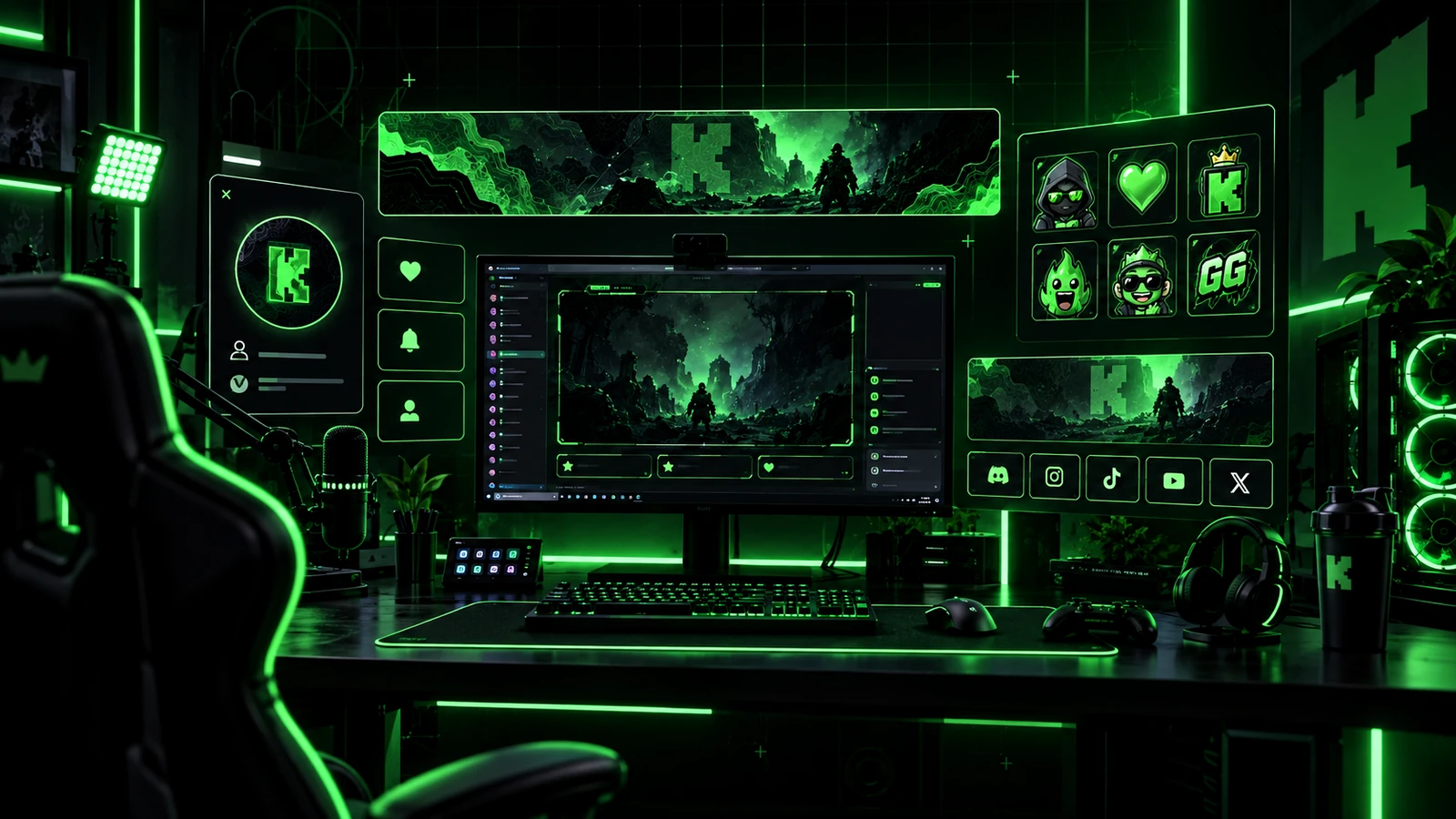
Kick branding is the combination of your profile artwork, live-stream visuals, alerts, emotes, panels, colors, typography, and creator personality. Kick's own 2026 branding guidance emphasizes consistency and clarity rather than expensive design for its own sake. A strong channel uses the same recognizable visual language across the page and the live broadcast while adapting each asset to its specific format.
Start With a Simple Brand System
Choose a primary color, supporting colors, one or two typefaces, and a repeatable shape or illustration style. Add a logo or mascot if it helps, but do not rely on the logo alone to create recognition. Save the exact brand values so overlays, emotes, banners, and social graphics stay consistent over time.
Kick Avatar Requirements
Kick's current 2026 profile help lists a minimum avatar size of 128×128 pixels, a maximum file size of 4 MB, and JPG, JPEG, or PNG support. Because the avatar appears in small interface locations, use a simple face, logo, or icon that remains recognizable when reduced. Avoid tiny text inside the avatar.
Kick Banner Requirements
Kick currently lists a minimum banner size of 1280×700 pixels with a 4 MB maximum and JPG, JPEG, or PNG support. Treat that as the platform export requirement, then build a composition with enough safe space for responsive display and interface elements. Keep the editable source file because future profile changes may require a new crop.
Kick Offline Banner Requirements
Kick's current help specifies a 1920×1080 offline banner with a maximum file size of 4 MB and JPG, JPEG, or PNG support. Use this space to keep the channel recognizable while you are not live. Avoid highly time-sensitive messaging unless you have a reliable process for updating the image.
Build Live Overlays Around the Content
Your live overlay should prioritize the game, camera, conversation, or other main content. Use branding to organize the scene rather than cover it. Keep permanent labels minimal and use scene-specific layouts when gameplay and conversation need different hierarchies. If you also stream on Twitch, the underlying visual system can be reused even when platform-specific page assets require different exports.
Alerts Should Match the Brand but Respect the Platform
Follow, subscription, donation, or platform-specific alert workflows can depend on the tools connected to your streaming setup. Design the visual treatment to match the channel, but keep the implementation modular so a platform integration can be changed without redrawing the entire brand. Test alert text, duration, sound, and overlap with real content.
Kick Emote Requirements in 2026
Kick currently lists emotes at 500×500 pixels, under 1 MB, using PNG or GIF. Kick says every channel can upload up to 60 channel emotes, while Affiliates and Verified channels can add up to 24 subscriber-only emotes under the current rules. Design the 500×500 master for strong small-size readability because viewers still see emotes at chat scale.
Use Panels and Bio to Explain the Channel
Kick's channel page includes a bio, social links, and an About area with panels. Use those spaces to explain what you stream, when viewers can expect you, community rules, and useful external links. Keep profile information current instead of baking everything into the banner.
Keep the Brand Consistent Across Kick and Social Media
Reuse the same palette, typography, logo treatment, mascot, and tone across Kick, YouTube, Discord, and social platforms. Export each asset for the destination rather than stretching one image everywhere. Consistency should come from the design system, not from forcing one file into every platform slot.
Organize Master Files for Future Changes
Keep separate masters for avatar, banner, offline artwork, overlays, alerts, emotes, panels, and social templates. Name files clearly and preserve editable layers. This makes seasonal variants, sponsor changes, and cross-platform exports much easier.
Final Take
A strong Kick brand combines consistent visual rules with platform-specific exports. Use the current avatar, banner, offline, and emote requirements as delivery constraints, then focus on readability and recognizable identity. If you want one coordinated system across streaming platforms, review custom Twitch overlay design, our portfolio, and stream design pricing.
Related reading: compare platform reuse in Twitch vs Kick Stream Branding, study Twitch identity principles in Twitch Channel Branding Guide, and plan your broader overlay system with Custom Twitch Overlay Guide.