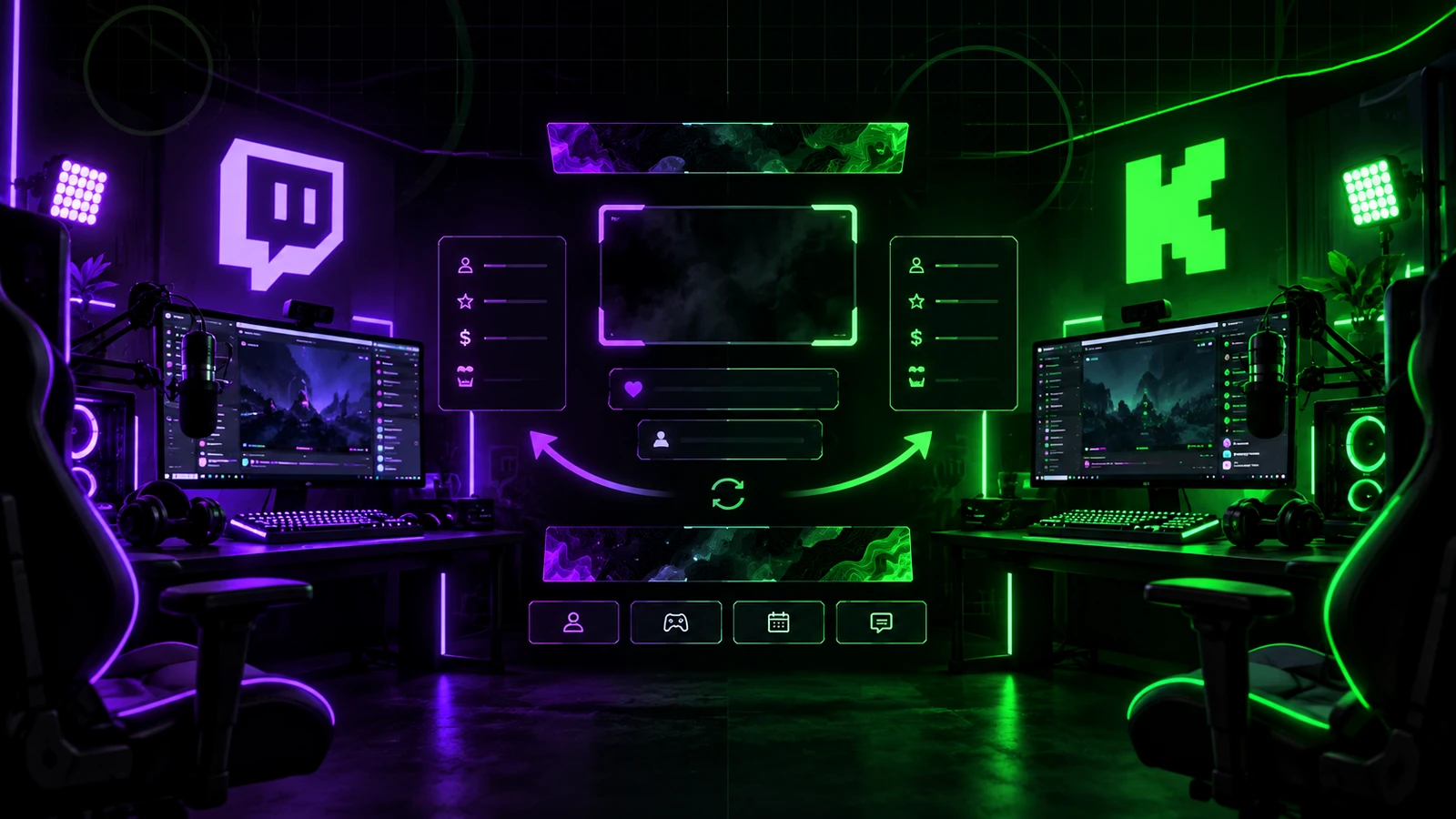
You do not need two completely different brands for Twitch and Kick. In most cases, the efficient approach is one creator identity with platform-specific exports and integrations. Your logo, colors, typography, mascot, illustration style, and many live scene concepts can stay consistent. The assets that need more care are the ones controlled by each platform's dimensions, upload rules, interface, and alert ecosystem.
Reuse the Brand System
Your color palette, logo, type choices, icon style, shapes, mascot, and overall tone should normally remain consistent across both platforms. That continuity helps viewers recognize you when they move from one channel to another. Create one master brand guide and use it to generate each platform's required assets.
Live Overlay Layouts Can Often Be Reused
If you stream the same horizontal content through OBS, the gameplay, Just Chatting, camera, BRB, and Starting Soon scene concepts can often be reused. The main visual layout is part of the video production rather than the channel profile page. However, platform-specific alert widgets, event labels, or chat integrations may need separate browser sources or configuration.
Alerts May Need Platform-Specific Connections
A follow, subscription, gifted subscription, donation, or platform-specific interaction may come through different services depending on where you stream. Keep the alert design modular: reuse the visual treatment while allowing the data source and text to change. This makes multi-platform OBS setups easier to maintain.
Twitch Profile Banner vs Kick Banner
Twitch currently recommends a 1200×480 pixel profile banner. Kick's 2026 profile help lists a minimum channel banner size of 1280×700 pixels. Those are different aspect ratios, so do not stretch one finished image to fit the other. Reuse the same background, logo, and visual elements but create separate compositions from the master file.
Offline Graphics Need Separate Exports
Kick currently specifies a 1920×1080 offline banner. Twitch uses a separate video player banner for the offline channel experience and its current help notes that animated video player banners are not natively supported. Because the containers and platform interfaces differ, build offline artwork from the same brand system but preview it separately on each channel. Keep time-sensitive text minimal on both.
Emote Exports Are Definitely Platform-Specific
Twitch manual emote uploads use 28×28, 56×56, and 112×112 pixel files, while auto-resize accepts a larger square source under Twitch's current rules. Kick currently specifies 500×500 pixel PNG or GIF emote uploads under 1 MB. The same emote artwork can often be reused conceptually, but export and test it separately for each platform.
Panel and About Content Can Share Messaging
Your bio, channel description, rules, support information, and social destinations can stay broadly consistent. Adapt the formatting and panel graphics to each platform's interface instead of copying screenshots or exact layouts. Keep one master copy document so changes to your schedule, links, or sponsor information can be updated everywhere.
Do Not Duplicate OBS Projects Without a Plan
If you use the same computer and scene structure for both platforms, maintain common visual components wherever practical and separate only the integrations that truly differ. Duplicating the entire project can create version drift: one camera crop, logo, sponsor image, or scene gets updated while the other does not. Organize common masters and platform-specific sources clearly.
Cross-Platform Branding Should Feel Familiar, Not Identical
Viewers should recognize the same creator immediately, but each platform page should feel properly fitted rather than stretched. Think of Twitch and Kick as two applications of one identity. The master system stays the same; dimensions, interface-aware composition, alerts, and export settings adapt.
A Practical Cross-Platform Asset Plan
Keep one folder for master logos, colors, fonts, illustrations, and emote masters. Keep separate Twitch and Kick folders for profile banners, offline assets, emote exports, and platform-specific alert files. For live overlays, store shared scene artwork separately from service-specific browser-source notes. This structure makes it obvious which file should change when you update the brand.
When to Create Different Designs
Create a genuinely different asset when the platform format or viewer behavior changes the communication goal, not simply because the platform logo is different. A Twitch profile banner and Kick banner are good examples: same brand, different composition. If your content itself is different on each platform, larger visual differences may also be justified.
Final Take
Twitch and Kick branding should usually share one identity while using platform-specific exports for profile graphics, emotes, offline artwork, and integrations. Reuse the system, not every finished file. For a cross-platform visual package, review custom Twitch overlay design, our portfolio, and stream design pricing.
Related reading: go deeper into Kick assets with Kick Channel Branding Guide, build your Twitch identity with Twitch Channel Branding Guide, and plan the shared stream overlay in Custom Twitch Overlay Guide.