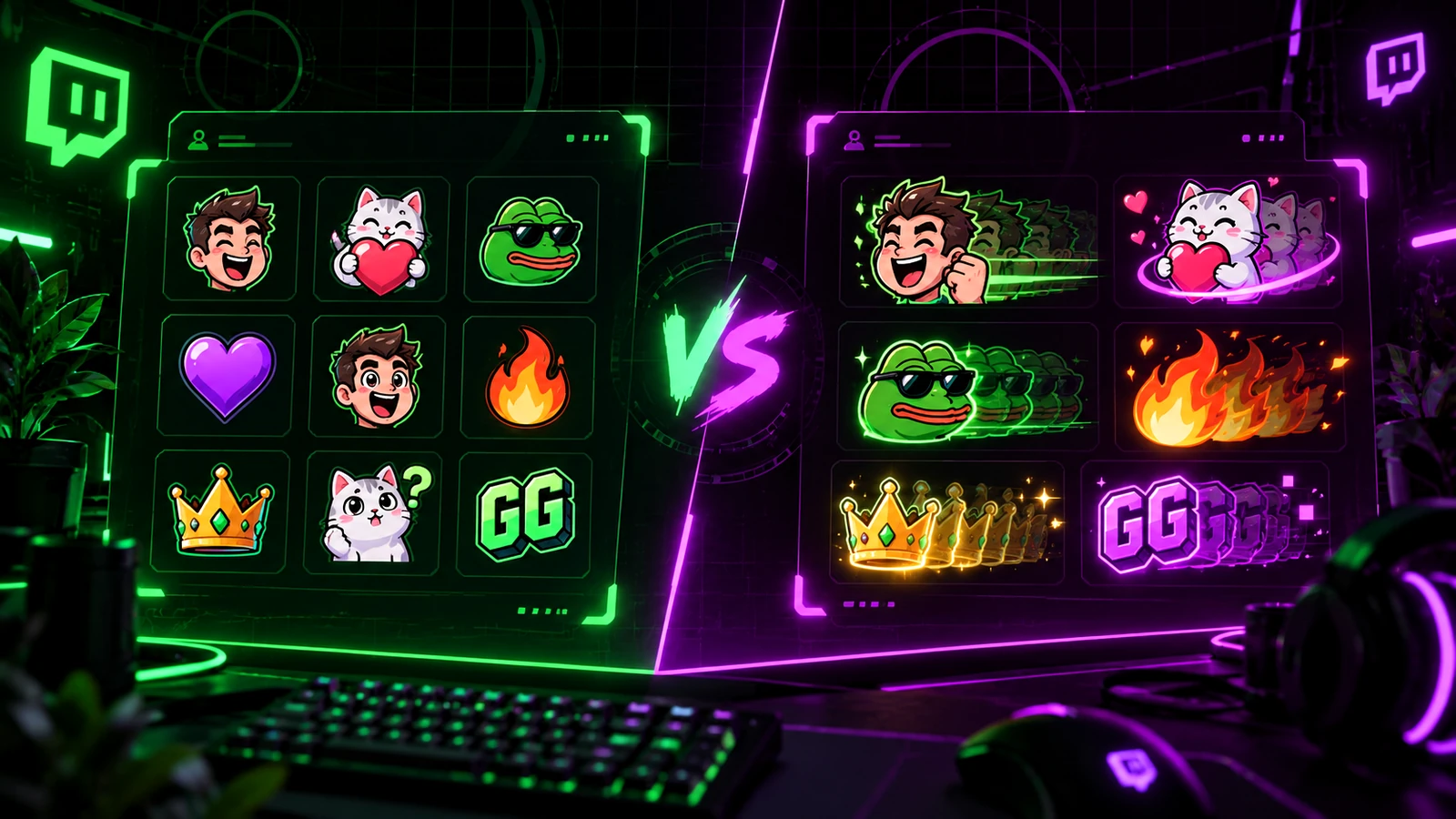
Animated Twitch emotes can add personality, but small chat graphics have very little room for complexity. A strong static emote often communicates faster because viewers recognize the expression immediately. The best emote set usually starts with readable reactions and adds animation only where motion makes the idea better. Treat animation as a communication tool, not as a premium badge.
Static Emotes Win on Instant Recognition
Static emotes are easy to scan in fast-moving chat and easier to design around one clear silhouette or facial expression. They also create a stable visual language for reactions that appear repeatedly. If an idea is already funny or expressive in one frame, animation may not improve it.
Animated Emotes Work Best When Motion Is the Joke
Animation is valuable when the action itself communicates the reaction: shaking, dancing, clapping, spinning, crying, exploding, transforming, or another readable motion. A static version of those concepts may lose part of the personality. Keep the loop short and clear enough that viewers understand it without waiting through a long sequence.
Current Twitch File Requirements Matter
Twitch currently accepts standard emotes as PNG and animated emotes as GIF. With auto-resize, Twitch allows a single square image between 112×112 and 4096×4096 pixels and generates the smaller required sizes. Manual mode uses 28×28, 56×56, and 112×112 exports. Animated emotes also have frame and flashing limits, so motion concepts should be planned inside the platform requirements rather than compressed at the end.
Readability at 28 Pixels Is the Real Test
Whether static or animated, the emote must work when tiny. Large facial features, strong silhouettes, limited text, and clear contrast usually survive reduction better than detailed illustration. Preview the 28×28 version throughout the design process instead of shrinking a finished illustration at the end.
Animation Can Increase Production Cost
An animated emote may require drawing multiple frames, rigging, motion design, cleanup, timing, export testing, and a static thumbnail. That work can make a small animated set cost more than a larger static set. If the budget is limited, animate the few reactions where movement adds the most personality.
Build a Balanced Emote Set
Start with high-frequency community reactions: hello, laugh, hype, love, fail, shock, celebration, or channel-specific inside jokes. Then identify which concepts benefit from animation. A set where every emote moves can become visually noisy; a mix gives the animated pieces more impact.
Think About Accessibility and Motion Comfort
Fast flashing or aggressive loops can be uncomfortable or unsafe for some viewers. Twitch places limits on animated-emote flashing behavior, and good motion design should be restrained even within those rules. Use movement that reads clearly without relying on rapid flicker. Make the first frame meaningful because Twitch can use it as the default static thumbnail for animated emotes.
Keep the Character Consistent Across Both Types
If your emotes use a mascot or face, preserve the same proportions, line weight, palette, and expression language across static and animated versions. Animation should not make the character feel like it came from a different artist or brand. Create a small style sheet before expanding the set.
Final Take
Static emotes are efficient, readable, and ideal for most core reactions. Animated emotes are worth the extra work when motion is part of the expression or community joke. Build the strongest reaction set first, then animate selectively. For technical export requirements, continue with Twitch Emote Size Guide. If you want emotes coordinated with a wider stream identity, review custom Twitch overlay design, our portfolio, and stream design pricing.
Related reading: confirm current dimensions in Twitch Emote Size Guide, connect emotes to your larger identity with Twitch Channel Branding Guide, and audit other stream assets with Twitch Stream Graphics Checklist.