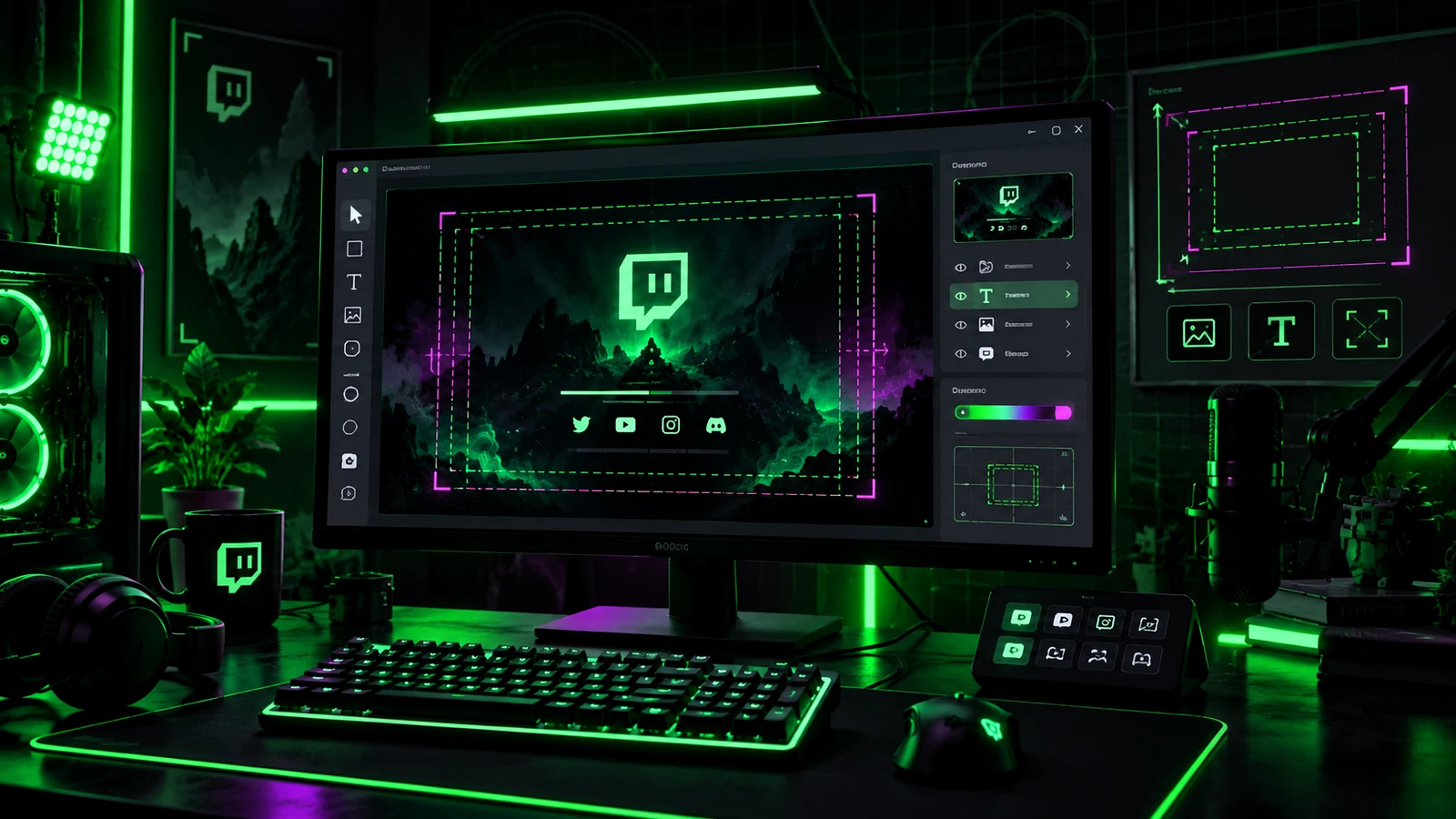
When your channel is offline, the video player area can still support your brand. Twitch refers to this channel asset as the video player banner. It is not simply a leftover stream screenshot. It is an opportunity to make the offline state feel intentional while directing viewers toward useful next steps. The best offline banner stays current, readable, and visually connected to the rest of the channel.
Give the Offline Banner One Main Job
Decide what a visitor should understand immediately: the channel identity, the fact that you are offline, and perhaps where to find your schedule or updates. Do not force the banner to explain the entire channel. Use the bio, schedule, panels, and social links for detail.
Use Static Artwork
Twitch's current channel setup documentation states that animated video player banners are not natively supported. Design the offline banner as a strong static composition rather than depending on motion. If you want animation in other parts of the brand, reserve it for the live stream or video content where it is supported.
Avoid Time-Sensitive Text That Goes Stale
A banner that says “Live Friday at 8 PM” becomes wrong as soon as the schedule changes or a week is missed. If your schedule is highly stable, a broad recurring message can work, but use Twitch's schedule tools or easily editable text areas for details. Evergreen messaging reduces maintenance.
Keep the Channel Name Obvious
Offline visitors may arrive from a search result, recommendation, or old clip. Make the creator identity easy to recognize. A logo, channel name, mascot, or signature visual motif can do that work. Do not bury the identity under a large generic “OFFLINE” label.
Use Readable Contrast
Banner art is displayed inside the Twitch page interface, so test text and logos against the final background with the real site around it. High contrast matters more than fine texture. If the message disappears at reduced size, simplify the background behind it.
Coordinate With the Profile Banner
The profile banner and offline video player banner should feel related without being duplicates. Reuse colors, type, logo treatment, and motifs, then adapt the composition to the different container. For the profile banner's current sizing guidance, use Twitch Banner Size Guide.
Useful Offline Messages
Good options include a simple “Thanks for stopping by,” a short statement of what the channel streams, a reminder to follow for notifications, or a pointer toward the schedule and social links. Keep calls to action limited. A visitor should be able to understand the banner without studying it.
Test It as Part of the Offline Page
Upload the banner and view the complete offline channel page on more than one screen size. Check the relationship between the banner, profile elements, About section, panels, and any channel trailer features. The artwork is successful when the entire offline page feels intentional, not when the file looks impressive by itself.
Final Take
A Twitch offline banner should make the channel recognizable, communicate the offline state, and stay useful without constant updates. Keep it static, readable, and connected to the broader brand. For a coordinated offline and live visual system, review custom Twitch overlay design, our portfolio, and stream design pricing.
Related reading: pair the offline presentation with Twitch Banner Size Guide, strengthen the channel identity with Twitch Channel Branding Guide, and coordinate intermission screens with Starting Soon, BRB & Ending Screens.