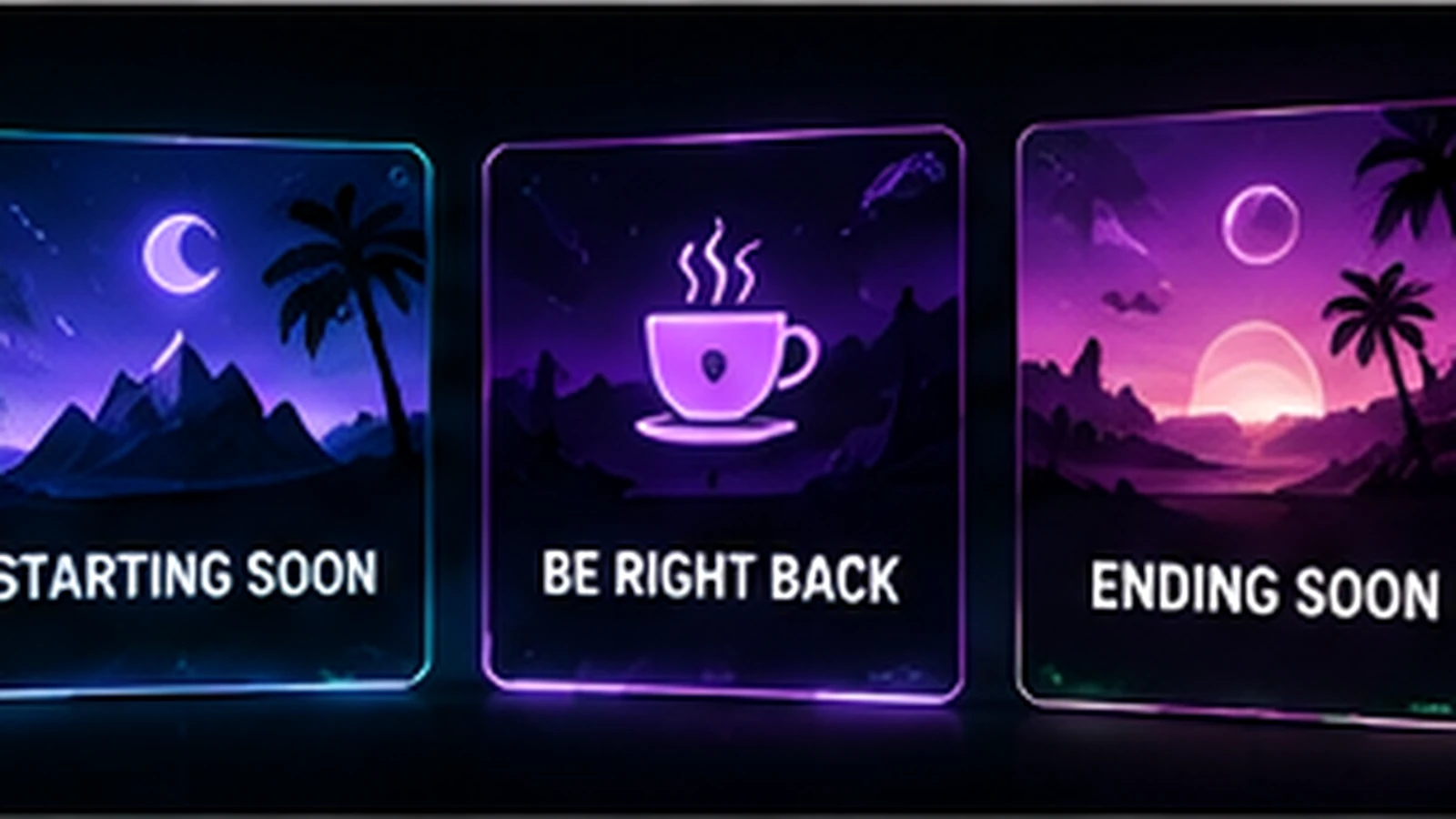
Starting Soon, BRB, and Ending screens are transition tools. Their job is to tell viewers what is happening when the main content is not on screen. They can also carry stronger branding than a gameplay overlay because they do not compete with active content. The most useful screens are clear first and decorative second.
What a Starting Soon Screen Should Do
A Starting Soon scene confirms that the stream is intentional and about to begin. It gives you a short buffer to finish setup while early viewers arrive. Include the channel name, a simple status message, and optionally a countdown or social handle. Do not overload it with instructions. Viewers should understand the state of the stream in one glance.
Should You Use a Countdown?
A countdown can set expectations when you reliably start within a known window. It becomes frustrating if it repeatedly reaches zero and restarts. If your pre-stream setup time varies, a general “Starting Soon” message may be more honest and easier to manage. Use countdowns as operational tools, not simply as decoration.
What a BRB Screen Should Communicate
A BRB scene tells viewers that the stream is continuing and the creator intends to return. Keep the message simple. You can add a short note such as “Back shortly,” selected socials, or a sponsor element when appropriate. If breaks are usually short, avoid cluttering the scene with information viewers cannot read before you return.
What an Ending Screen Should Do
An Ending screen creates a clean close after the final on-camera moment. It can thank viewers, remind them where to follow you, point toward the next stream, or leave space for a raid workflow. Keep time-sensitive information easy to update so an old schedule does not stay on screen for months.
Animation Works Well Here—With Restraint
Intermission screens are natural places for subtle loops because there is no gameplay competing for attention. Animated backgrounds, logo motion, particles, or character loops can add atmosphere. Make sure loops are smooth, readable text remains stable, and motion does not make a long wait uncomfortable.
Music and Copyright Still Matter
Do not treat a Starting Soon screen as a copyright-free zone. Music used before, during, or after the main content still needs to fit the rights and platform rules that apply to your stream. Use music you are authorized to use and keep records of licenses where relevant. The visual design does not change those obligations.
Keep the Three Screens Related
Starting Soon, BRB, and Ending screens should look like members of one family: same colors, type, shapes, logo treatment, and motion language. They do not need to be duplicates. Starting Soon can feel energetic, BRB can feel neutral, and Ending can feel conclusive. Use consistent structure with different messaging.
Test the Transition Flow in OBS
Do not review the screens only as exported files. Add them to OBS and practice the real sequence from Starting Soon to live content, live content to BRB, and live content to Ending. Check audio, transitions, text visibility, and whether you can operate the scene changes quickly. A beautiful screen that complicates your workflow is not finished.
What Not to Put on These Screens
Avoid tiny text, several competing calls to action, expired schedules, a wall of sponsor logos, or permanent instructions that nobody reads. Use the extra space to reinforce identity and state, not to turn the scene into a poster. One clear message is usually stronger than six weak ones.
Final Take
Starting Soon, BRB, and Ending screens should make the stream state obvious and keep the visual experience intentional between major content moments. Use animation selectively, keep information current, and test the scenes as part of the real OBS workflow. For a coordinated package, review custom Twitch overlay design, our portfolio, and stream design pricing.
Related reading: audit the rest of your assets with Twitch Stream Graphics Checklist, coordinate profile artwork with Twitch Banner Size Guide, and plan offline presentation with Twitch Offline Banner Guide.