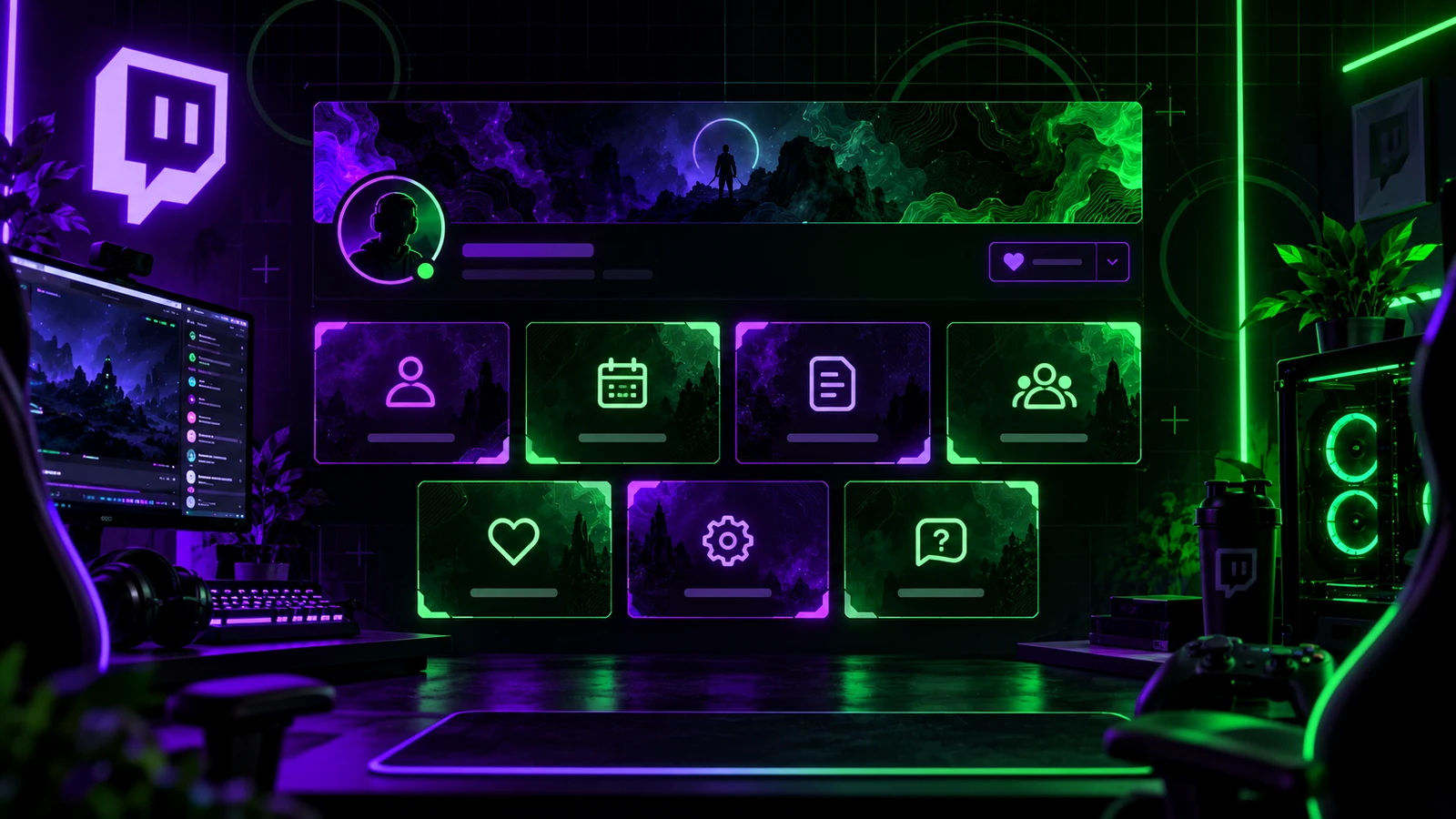
Twitch panels are part of your channel's information architecture. They help a new viewer understand who you are, when you stream, what the community expects, and where to find you elsewhere. The best panel section is not the one with the most boxes. It is the one that answers useful questions quickly. Treat panels as readable information first and branded graphics second.
Start With an About Panel
Your About panel should explain the channel in plain language: who you are, what you stream, and what a new viewer can expect. Keep it specific. “Welcome to my channel” says very little; mentioning the games, topics, schedule style, or community focus gives a viewer a reason to stay. Use the same tone you use on stream.
Add a Schedule Only if You Can Keep It Current
A schedule is useful when you stream predictably. If your availability changes often, avoid a graphic with dates that become wrong immediately. Use text you can update quickly or point viewers to the platform's current schedule tools. An outdated schedule damages trust more than having no schedule panel.
Rules Should Be Short and Enforceable
Panel rules should support the community you actually moderate. Keep them concise enough to scan before someone starts chatting. Do not turn the panel into a legal document. Focus on behavior expectations, moderation boundaries, and any channel-specific norms. Your moderators should be able to enforce the rules you publish.
Social and Community Links
Use panels for the external places where you are genuinely active: YouTube, Discord, TikTok, Instagram, X, a website, or another streaming platform. Do not send viewers to ten abandoned profiles. Order links by importance and give each destination a reason, such as “highlights,” “community chat,” or “stream updates.”
Support, Donations, and Affiliate Links
If you include support or affiliate links, explain what the link is and use appropriate disclosures where required. Do not disguise commercial links as unrelated navigation. Keep the panel visually consistent with the rest of the page so paid or support sections feel integrated rather than deceptive.
Gear Panels Are Optional
A gear panel can be useful when viewers frequently ask about your camera, microphone, PC, controller, or art tools. If nobody asks, it may not deserve prime space. Keep model names accurate and update the list when your setup changes.
Twitch Panel Image Sizing in 2026
Twitch's current panel help states that images wider than 320 pixels are resized, so designing panel artwork at 320 pixels wide is a practical baseline. Twitch help pages have shown different height and file-size limits in different documentation versions, so verify the current upload interface before exporting a large panel set. The important design rule is to keep text large, avoid unnecessary height, and test the finished About page after upload.
Use Images for Structure, Not All the Information
If every word is baked into an image, links and updates become harder to manage and accessibility suffers. Use branded panel headers or illustrations, then place the main information in the panel description where appropriate. Twitch panel descriptions support Markdown rather than arbitrary HTML, which is useful for basic structure and links.
Order Panels for a First-Time Visitor
Put the most useful orientation information first: About, schedule or content expectations, rules, and important community links. Gear, support, sponsors, FAQs, and secondary links can follow. Review the page from the perspective of someone who has never seen your stream.
Keep the Design System Consistent
Use the same color palette, type style, icon language, and spacing across panel images. Do not make every panel a different illustration style unless that variety is a deliberate part of the brand. For broader channel consistency, use Twitch Channel Branding Guide.
Final Take
Twitch panels should help viewers navigate your creator brand. Keep the information current, the order intentional, and the visuals consistent. Design only the panels you can actually maintain. If you need a coordinated panel and stream package, review custom Twitch overlay design, our portfolio, and stream design pricing.
Related reading: build the larger identity with Twitch Channel Branding Guide, audit your full asset set with Twitch Stream Graphics Checklist, and coordinate community graphics with Twitch Emote Size Guide.