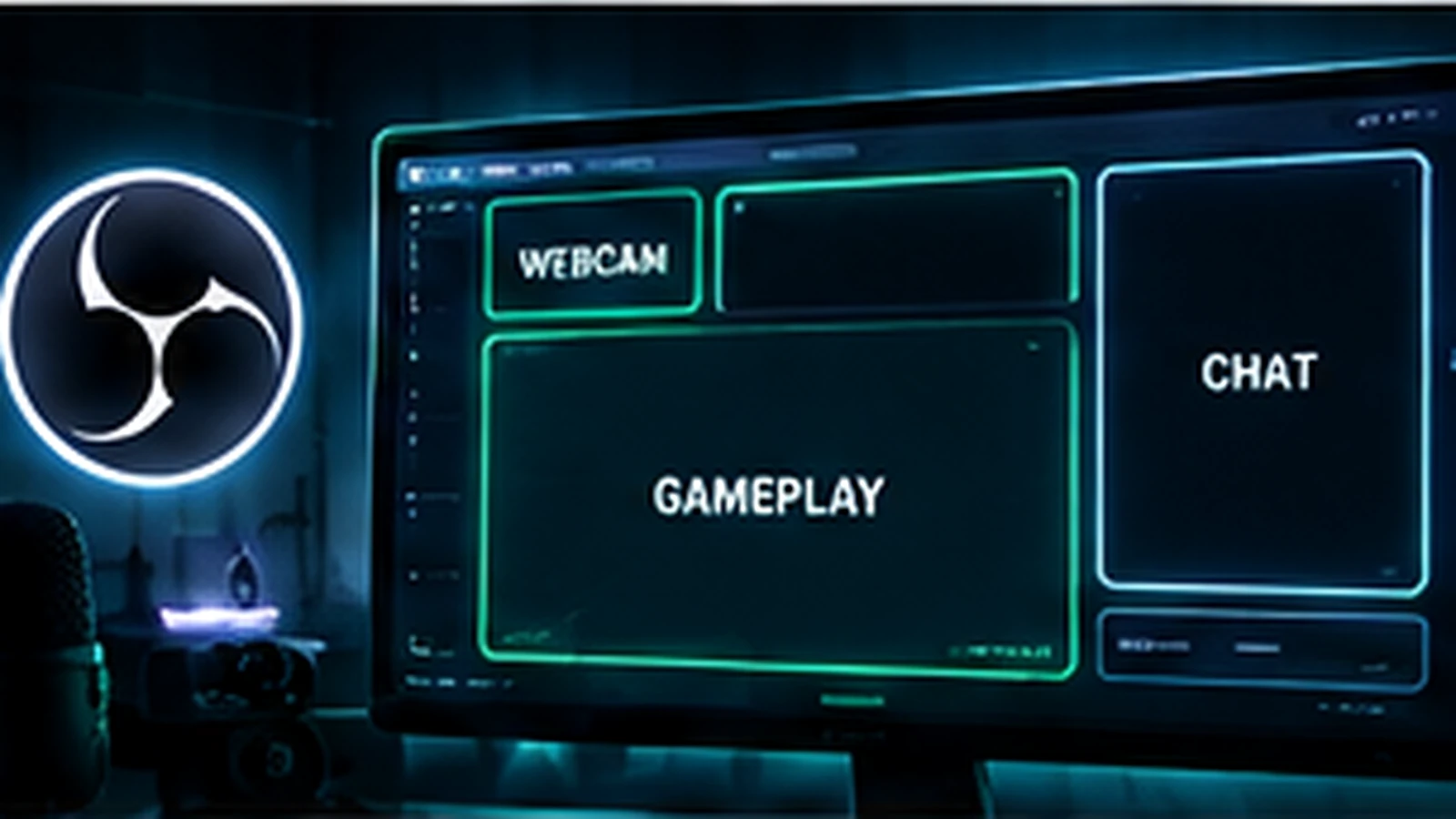
The best OBS overlay layout is not one universal arrangement. It is the layout that keeps the stream's primary content obvious while giving secondary elements enough space to be useful. For a gaming stream, gameplay usually deserves the largest area. For Just Chatting or interviews, the camera may become the primary content. Good layout starts by deciding what viewers should notice first, second, and third in each scene.
Start With the OBS Canvas and Scene Purpose
Build graphics around the canvas you actually use in OBS rather than designing at an arbitrary size and scaling later. Many streamers work in a 16:9 Full HD canvas, while Twitch also supports newer workflows such as Enhanced Broadcasting and, for eligible creators, higher-resolution or dual-format options. The key is consistency: know your base canvas, output workflow, and whether you are designing only for horizontal viewing or also planning alternate formats.
Give Gameplay the Largest Safe Area
In a gameplay scene, the game should remain visually dominant unless your content format intentionally does something else. Avoid decorative borders that consume large amounts of screen space. Every pixel used by a permanent frame is a pixel removed from the game or camera. Use actual screenshots from the games you stream while designing so health bars, minimaps, subtitles, inventories, and ability icons do not end up under your overlay.
Place the Webcam Based on the Game UI
There is no universally correct webcam corner. Different games put important information in different places. Create one or more webcam positions if you regularly switch between games with conflicting UI. A camera frame that works for a shooter may cover essential information in a strategy game. Also leave enough room around the face. An overly tight crop may look fine in a mockup but feel uncomfortable during movement.
Alerts Should Be Noticeable, Not Obstructive
Alerts are temporary, so they can occupy more prominent space than permanent labels, but they should still avoid critical gameplay areas. Keep alert text readable and limit the duration and visual size so a follow or subscription does not block the screen for too long. Test several alerts in sequence. A design that looks good with one test event may become chaotic when multiple events happen close together.
Do You Really Need Chat on Screen?
On-screen chat can be useful for VODs, clips, or conversation-focused scenes, but it is not automatically necessary on every stream. If you include chat, give it enough width for readable messages and enough contrast to separate it from the background. A narrow chat box filled with tiny text adds clutter without giving viewers useful information.
Use Separate Layouts for Gameplay and Just Chatting
Trying to make one layout serve every scene usually creates compromises. A gameplay scene may use a small camera and almost no supporting information. A Just Chatting scene can increase the camera size, add chat, and create space for topics, goals, or guest information. OBS scenes make this separation practical. Treat each scene as a layout with a different job while keeping the same brand system.
Build Safe Zones Around Important Content
Safe zones are not only about platform cropping. They also protect content from your own graphics. Keep permanent labels away from subtitle regions and common game HUD areas. Avoid placing essential information at the extreme edge when it could be clipped by player interfaces or alternate display modes. When you stream multiple games, a conservative safe-zone approach saves repeated redesign work.
Design for Smaller Viewing Sizes
Many viewers are not watching your stream full-screen on a desktop monitor. A layout may be viewed in a smaller browser window, on mobile, or inside a multi-tasking setup. Reduce the preview and check whether names, goals, sponsor text, and chat remain legible. If a label only works when the stream is huge, it is probably too small to be a useful permanent element.
Avoid the “Everything on Screen” Layout
Recent follower, latest subscriber, donation goal, social handles, sponsor logos, chat, music, clock, camera, and animated border do not all need to be visible at once. Choose information based on the scene. A sponsor requirement may justify permanent placement; a social handle may be better on an intermission screen. Removing an element can improve the layout more than redesigning it.
Test With Real Footage Before You Approve
Load the final assets into OBS and record several minutes of normal content. Switch scenes, trigger alerts, open menus, and play footage with both bright and dark areas. Then watch the recording at full size and reduced size. This reveals contrast problems, overlaps, awkward camera crops, unreadable labels, and motion that a static design mockup cannot show.
A Practical Layout Order
Start with the main content, then camera, then event feedback such as alerts, then truly necessary persistent information. Add decorative framing last. That order keeps the function of the scene intact. For file and source choices, continue with OBS Overlay Formats and Performance and check Twitch Overlay Size Guide when preparing exports.
Final Take
The best OBS overlay layout is a hierarchy, not a template. Decide what each scene is for, protect the primary content, place the camera around real game UI, and add only the information that helps the viewer. If you need a layout built around your actual content, review custom Twitch overlay design, our portfolio, and stream design pricing.
Related reading: pair your scene structure with OBS Overlay Formats and Performance, confirm export planning in Twitch Overlay Size Guide, and use Twitch Stream Graphics Checklist to audit the rest of your assets.