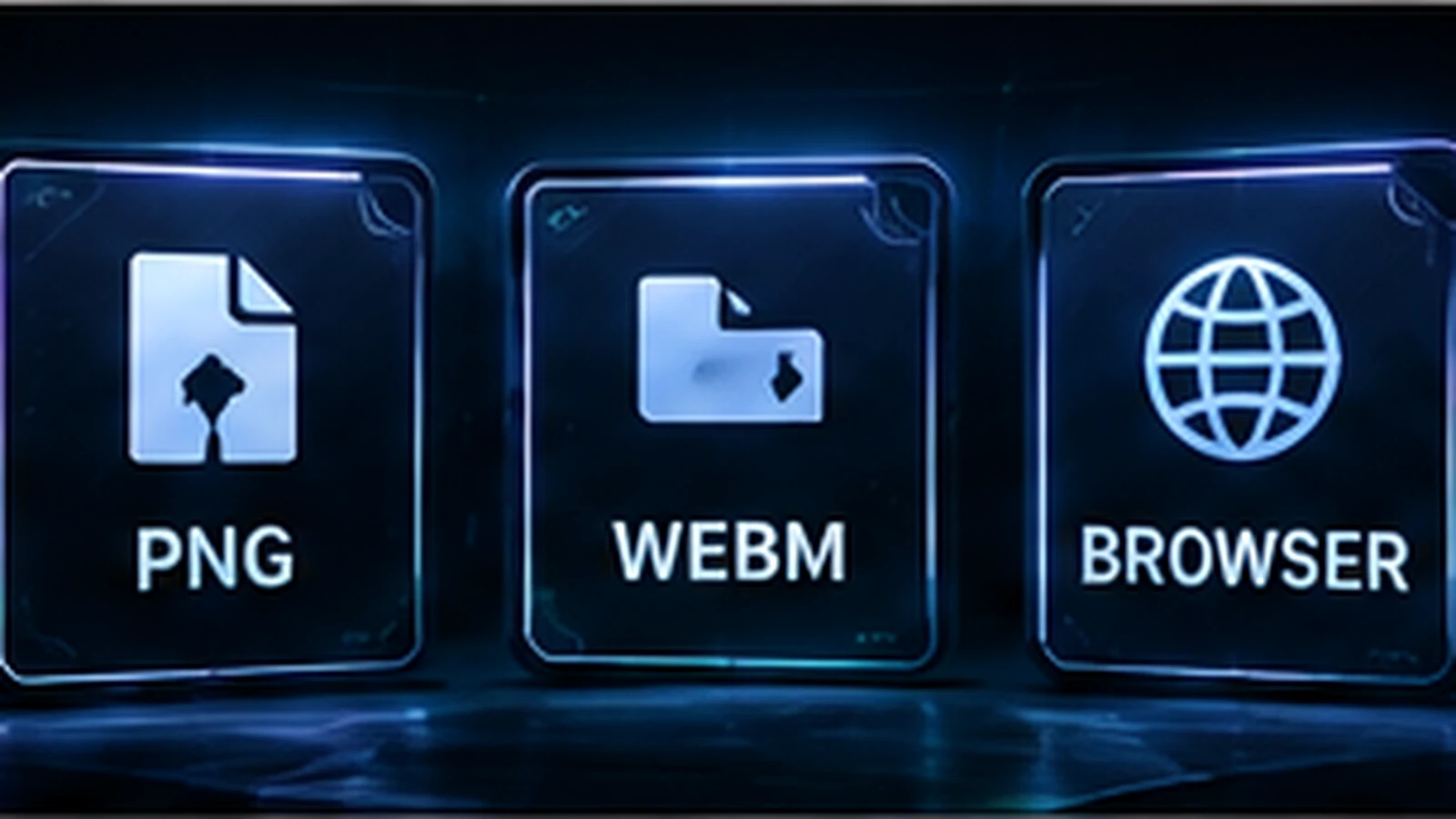
OBS can combine several source types inside one scene, so a stream overlay does not have to be delivered as one giant file. Static graphics, animated media, alerts, chat boxes, camera feeds, and browser widgets can each use the source type that fits their job. Understanding the difference makes custom packages easier to install and helps you troubleshoot performance when a scene becomes too heavy.
OBS Scenes Are Built From Sources
OBS scenes are collections of sources. The official OBS source guide includes image, media, browser, game, display, window, camera, and other source types. That means an overlay package is usually a system of assets rather than one flattened image. Keeping elements separate gives you more control over visibility, position, and future edits.
PNG for Static Transparent Graphics
PNG is a common choice for static overlay elements because it can preserve transparency and sharp graphic edges. Webcam frames, borders, labels, decorative corners, and static scene elements are natural candidates. Do not export every asset at an unnecessarily huge resolution. Match the file to the scene and scale it carefully so the design stays sharp without wasting resources.
JPG for Full-Frame Images Without Transparency
JPG can be useful for photographic backgrounds or full-frame stills that do not require transparent areas. It usually compresses photographic content more efficiently than PNG, but it is not appropriate when you need alpha transparency or perfectly crisp text and interface edges. Choose the format based on the content instead of using one format for every asset.
Video Files for Motion Graphics
Looping backgrounds, animated frames, stingers, and logo motion are often delivered as video assets. WebM is commonly used in streaming design because it can support transparency in workflows that need it, but actual compatibility and decoding performance depend on the file and system. Ask for files that loop cleanly and test them inside the exact OBS scene rather than judging them only in a media player.
Browser Sources for Alerts and Interactive Overlays
OBS Browser Source displays a webpage inside a scene, and OBS documentation specifically notes common uses such as alert overlays and chat boxes. Browser sources are powerful because HTML, CSS, JavaScript, remote data, and third-party services can update content dynamically. They can also introduce more variables than a local image: network access, scripts, fonts, service availability, and the complexity of the page itself.
Browser Source Is Not the Same as a Video File
A browser-based alert can react to events and render dynamic text; a local video simply plays its encoded frames. That difference matters when troubleshooting. A broken alert may be a service or browser-source issue rather than an OBS media-source problem. Keep a record of which overlays depend on external services so you know what must be reconnected after changing computers or accounts.
What Actually Affects Performance
Scene performance is influenced by source count, resolution, frame rate, codecs, browser complexity, filters, camera processing, game capture, and the encoder workload. There is no useful rule that says “browser sources are always bad” or “video overlays are always heavy.” Measure the real scene. Test while the game is running and the stream is encoding, because an empty OBS preview does not represent the full workload.
Watch OBS Statistics While Testing
Use OBS statistics and system monitoring during a test recording or private stream. Look for rendering or encoding problems, frame drops, unusually high GPU or CPU load, and whether trouble appears only when a certain scene is active. Disable or simplify sources one at a time to isolate the cause. This method is faster than replacing every overlay asset at once.
Avoid Unnecessary Duplication
If the same camera, alert system, or graphic is used across several scenes, organize the OBS project so you are not maintaining many inconsistent copies without a reason. Reusable scene components can make updates easier, but be careful when you actually need different crops or filters in different contexts. Organization is a performance and maintenance issue as much as a visual one.
Choose Formats by Job
Use static images for still graphics, video for controlled motion, browser sources for dynamic web-driven content, and native OBS sources where they already solve the problem. Do not convert a simple static border into a looping video just because animation feels more premium. The simplest source that meets the creative need is usually easier to maintain.
What to Ask a Designer or Developer to Deliver
Request clear filenames, scene instructions, source-type notes, required URLs or service accounts, font information, transparency details, and any custom browser-source setup steps. If animation is included, ask which files loop and which are one-shot transitions. For layout planning, pair this with Best OBS Overlay Layout and Animated vs Static Twitch Overlays.
Final Take
OBS overlay performance is a systems question, not a single-format question. Build scenes from the source types that fit each job, test under real streaming load, and keep the project organized. If you need assets designed for a practical OBS workflow, review custom Twitch overlay design, our portfolio, and stream design pricing.
Related reading: plan source placement with Best OBS Overlay Layout, compare motion choices in Animated vs Static Twitch Overlays, and confirm sizing in Twitch Overlay Size Guide.