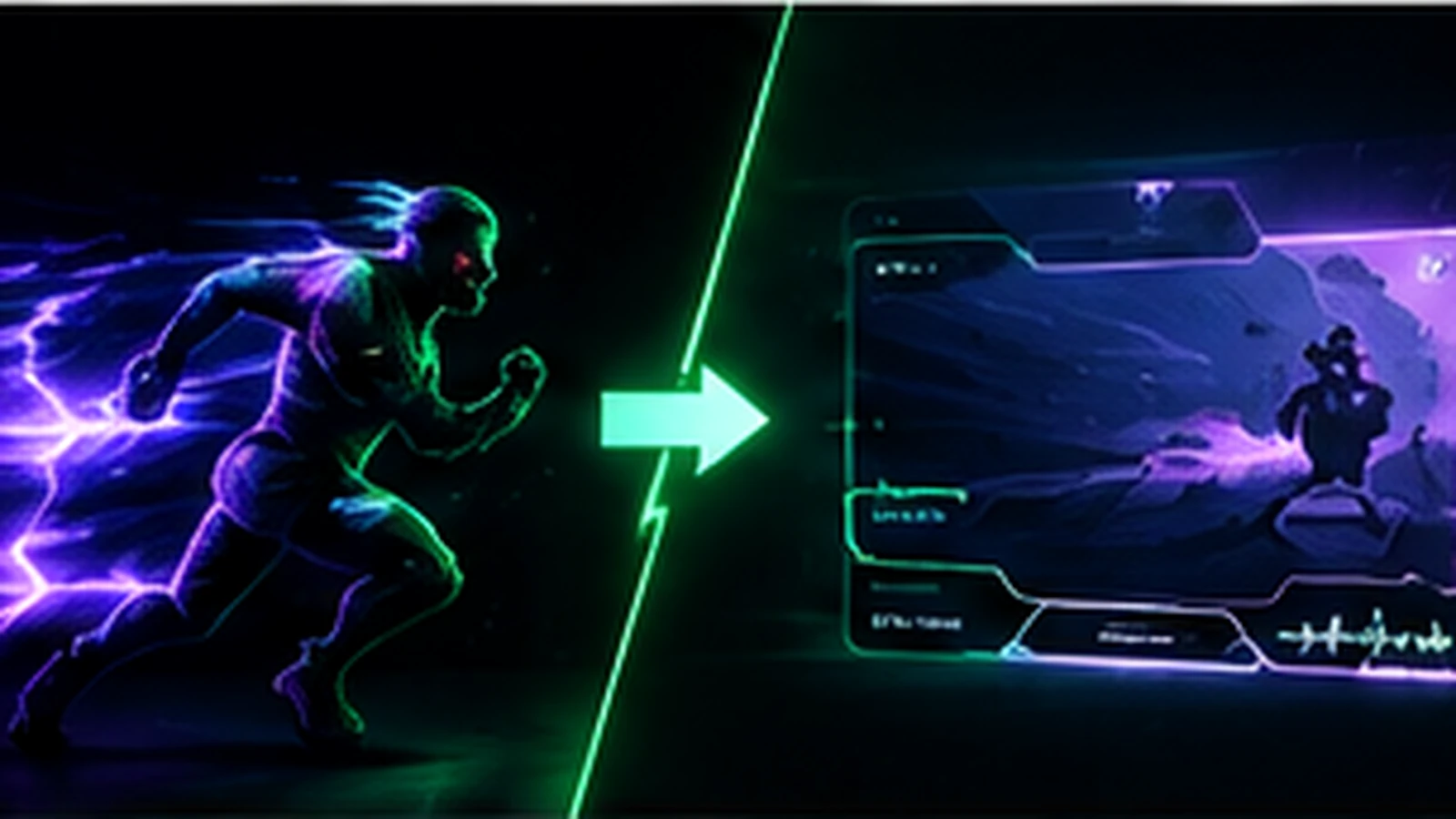
Animated overlays can make a stream feel polished, but animation is not automatically an upgrade. Static overlays can be cleaner, lighter, easier to maintain, and just as professional when the layout and branding are strong. The useful decision is not “Which looks more expensive?” but “Where does motion improve the viewer experience, and where does it become distraction or extra complexity?” This guide compares both approaches and explains why many strong stream packages use a hybrid system.
What Counts as a Static Overlay?
A static overlay uses still assets for frames, labels, panels, borders, backgrounds, and scene graphics. Transparent PNG files are common for elements that sit over gameplay or a camera. Static does not mean plain. Typography, shape language, illustration, color, spacing, and composition can create a distinctive brand without movement. For many gameplay scenes, still graphics are an advantage because the content remains the visual focus.
What Counts as an Animated Overlay?
Animated streaming graphics can include looping scene backgrounds, logo motion, alert animations, stinger transitions, animated camera frames, moving labels, or browser-based effects. Some animation is continuous; other animation appears only when an event happens or a scene changes. Those two categories have very different effects on attention. Event-based motion can provide useful feedback, while constant motion needs more restraint.
Where Animation Adds the Most Value
Animation works best when it signals a change or rewards an event. Alerts, transitions, Starting Soon screens, BRB scenes, and selected logo moments are natural places to use movement. Motion can also help a waiting screen feel alive without competing with gameplay. The strongest animation usually has a clear beginning and end, or a subtle loop that viewers stop noticing after a moment.
Where Static Graphics Often Work Better
Gameplay frames, information labels, sponsor areas, and dense layouts often benefit from stability. Viewers need to process the game, camera, chat, alerts, and interface at the same time. A moving border around everything can create visual fatigue and make the stream feel busier than it is. If an element needs to be readable for several minutes, static is usually the safer starting point.
Performance and OBS Considerations
OBS supports image, media, and browser sources, so both static and animated systems are possible. The performance impact depends on the number of sources, resolution, frame rate, codec, browser content, and the computer doing the encoding. A single efficient motion element may be insignificant on one system, while several high-resolution loops and complex browser sources can matter on another. Test the actual scene while streaming or recording. OBS statistics and system monitoring are more useful than assuming that all animation is heavy or all static graphics are free.
File Formats Matter
Static transparent elements are commonly delivered as PNG files. Animation may be delivered as video files, animated images, or browser-based assets depending on the effect and workflow. The right format should preserve transparency when needed, loop cleanly, and be easy to install in your streaming software. Ask the designer which source type is intended for each file and whether any third-party alert or widget service is required.
Animation Changes the Budget
Motion design adds steps: keyframing, timing, rendering, testing, revisions, and sometimes illustration or compositing. That is why a fully animated package usually costs more than an equivalent static package. Before paying to animate every scene, identify the few moments where motion will be seen and appreciated most. For broader budgeting, use Twitch Overlay Cost Guide.
Maintenance and Future Updates
Static assets are usually easier to revise. A name, sponsor logo, or color adjustment may be straightforward if editable files are available. Animated elements can require reopening the motion project and re-rendering the final file. Browser-based assets may depend on code or a service account. If your channel changes sponsors or labels frequently, build that reality into the design so simple updates do not require remaking an entire animation.
The Hybrid Approach Is Often the Best Choice
A practical stream package can keep gameplay layouts mostly static while adding motion to alerts, transitions, waiting screens, and a few brand accents. This preserves visual clarity and keeps the system manageable while still delivering moments of polish. It also lets you prioritize the animation budget around assets that viewers actually notice.
A Decision Framework
Choose mostly static if you value simplicity, have limited hardware headroom, expect frequent changes, or stream content that already has a lot of motion. Choose more animation if your brand depends on motion, your hardware handles the scenes comfortably, and the extra production cost supports a clear creative goal. Choose hybrid when you want strong branding without turning the gameplay scene into a motion demo.
Final Take
Animated and static overlays are tools, not quality levels. A clean static system can look more professional than a poorly controlled animated one. Use movement where it communicates, rewards, or transitions; keep stable elements stable. If you are planning a custom package, review custom Twitch overlay design, our portfolio, and stream design pricing to compare static and animated scope options.
Related reading: review technical file choices in OBS Overlay Formats and Performance, layout decisions in Twitch Overlay Size Guide, and the complete planning process in Custom Twitch Overlay Guide.